A clearer view of your music
Single-page, two-page and continuous reading, with zoom and quick page navigation to suit your score.
 CantaVue
YOUR SHEET MUSIC WORKSPACE
From the first read-through to your next performance. Bring your scores, annotations and practice together in one focused space.
Now free on the App Store · iPad-first experience
See release updatesKeep every page in order, every idea close and every practice session connected.
Single-page, two-page and continuous reading, with zoom and quick page navigation to suit your score.
Capture fingering and expression with ink, highlights, text and music symbols. Organize revisions with layers and history.
Import PDFs, organize with tags, favorites and libraries, then bring scores or page ranges into your next setlist.
Bring goals, session records and local recordings together. Listen back, reflect and keep moving with purpose.
These features reflect the current App Store release. Platform and accessory support vary by device, system and enabled services.
Spend less time looking for the right page and more time with the music. Connect preparation, practice and performance planning.
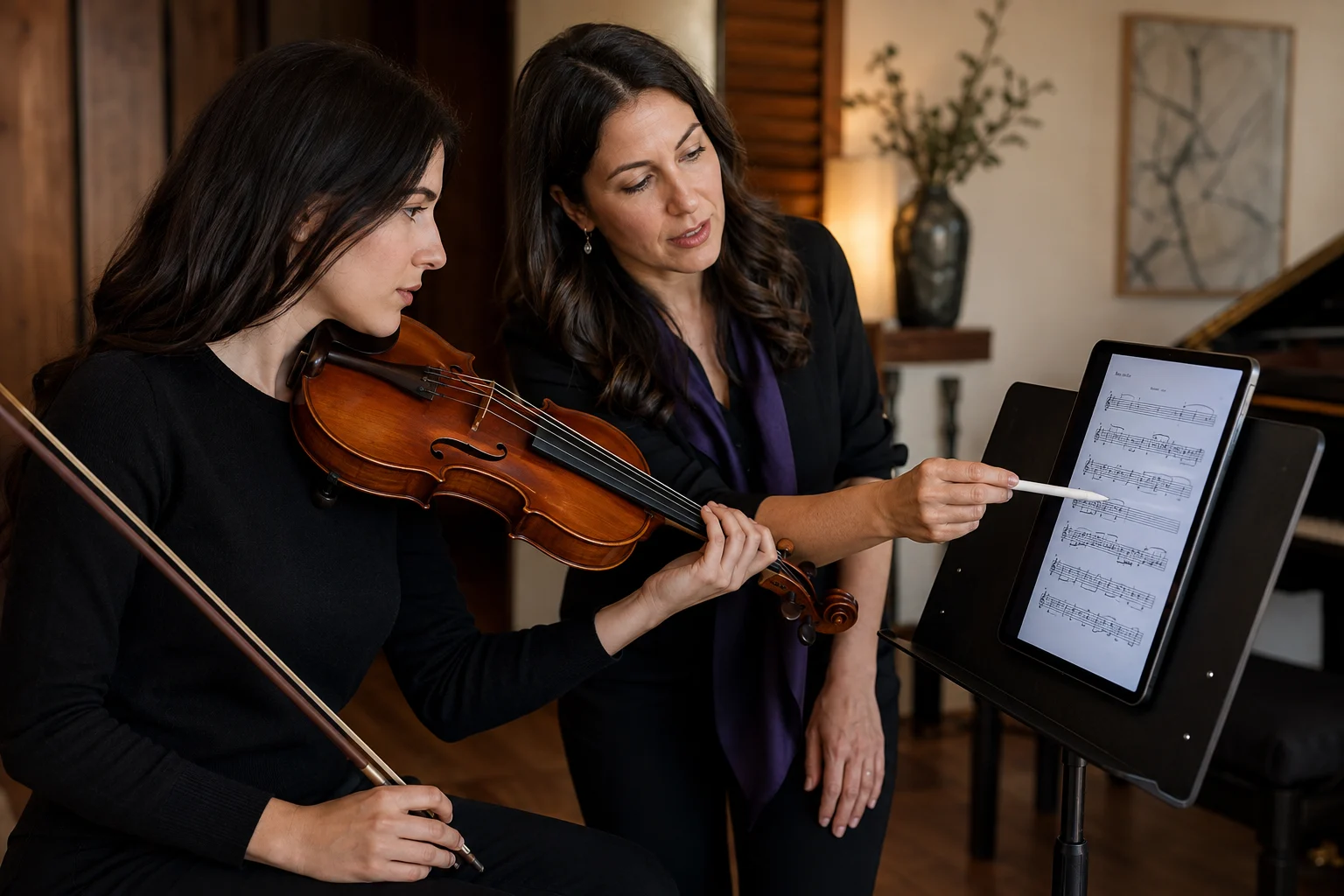
VIOLIN LESSONS
Mark bowing, fingering and phrasing directly on the score, keeping the demonstration and discussion on the same page.
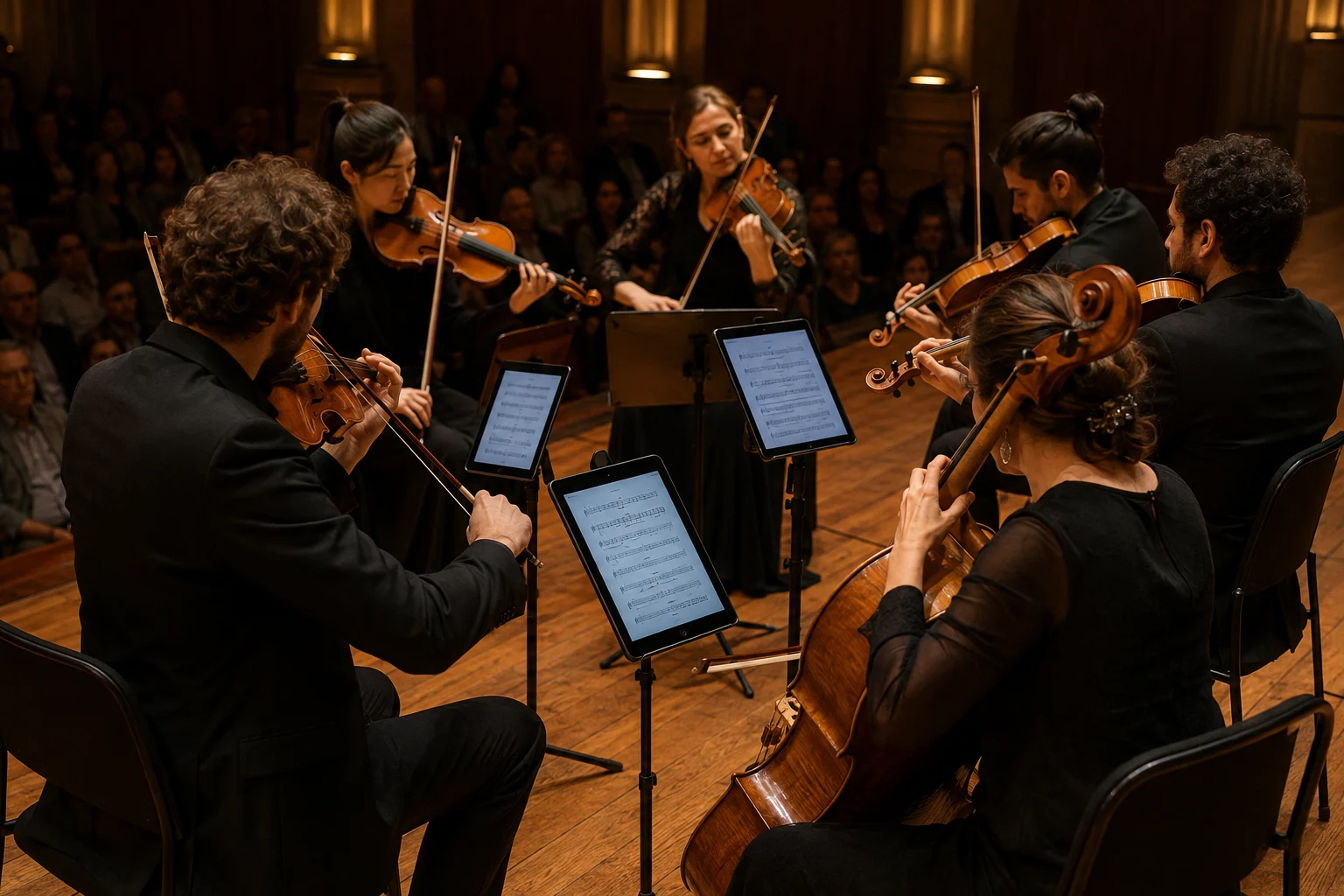
ENSEMBLE PERFORMANCE
Arrange your setlist and prepare your own scores before stepping on stage, with more attention left for the music around you.
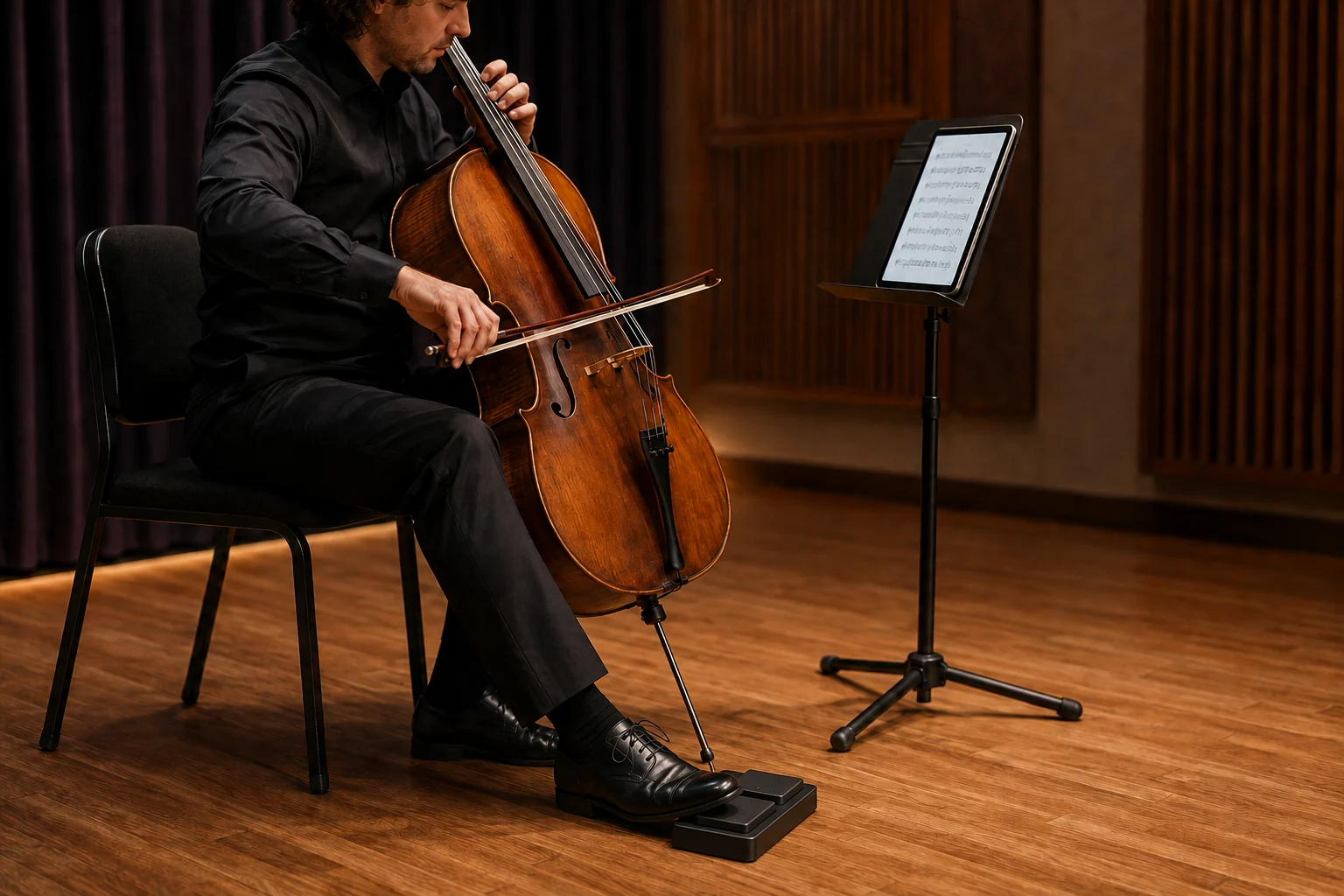
PEDAL PAGE TURNING
Use a compatible keyboard-style page-turn pedal for the previous or next page, while your hands stay on your instrument.
Connect the pedal through your device first. Model compatibility and real-device experience are still being validated.
AI-generated illustrations of use, not app screenshots or actual customer stories.
Start with a PDF and gather your repertoire in your own library.
Note the fingering, breathing and details that make each read-through count.
Arrange a setlist, revisit tricky passages and put your pages in order.
Annotations and reading adjustments preserve the original PDF. Your library is stored locally, with exports and backups you control. Data is transferred only when you connect a service and explicitly start an operation. Automatic cloud sync is not available.
Yes — CantaVue is now free on the App Store for iPhone and iPad. Use the button below to open the app page:
The current focus is iPad. The project also targets iPhone, Android, macOS, Windows, Linux and Web. Progress differs by platform; final availability will be confirmed at release.
Image and scan import creates a PDF for reading and annotation. It does not convert notes into editable notation. Music recognition remains a research direction.
No automatic upload takes place. Your library and sync preparation remain local. You can connect your own compatible HTTPS sync service or WebDAV storage and confirm an exchange of supported data. Other direct cloud connections appear only in configured and available builds. Public CantaVue cloud accounts and automatic cloud sync are not available.
App Store version 1.0.0 is free and currently has no in-app purchases. Any future paid plans will be explained before they launch.
CantaVue 1.0.0 is now available on the App Store as a free download for iPhone and iPad. Start with reading, annotations, practice and local teaching tools; check the App Store for availability and system requirements.
Version 1.0.0 · Free on the App Store